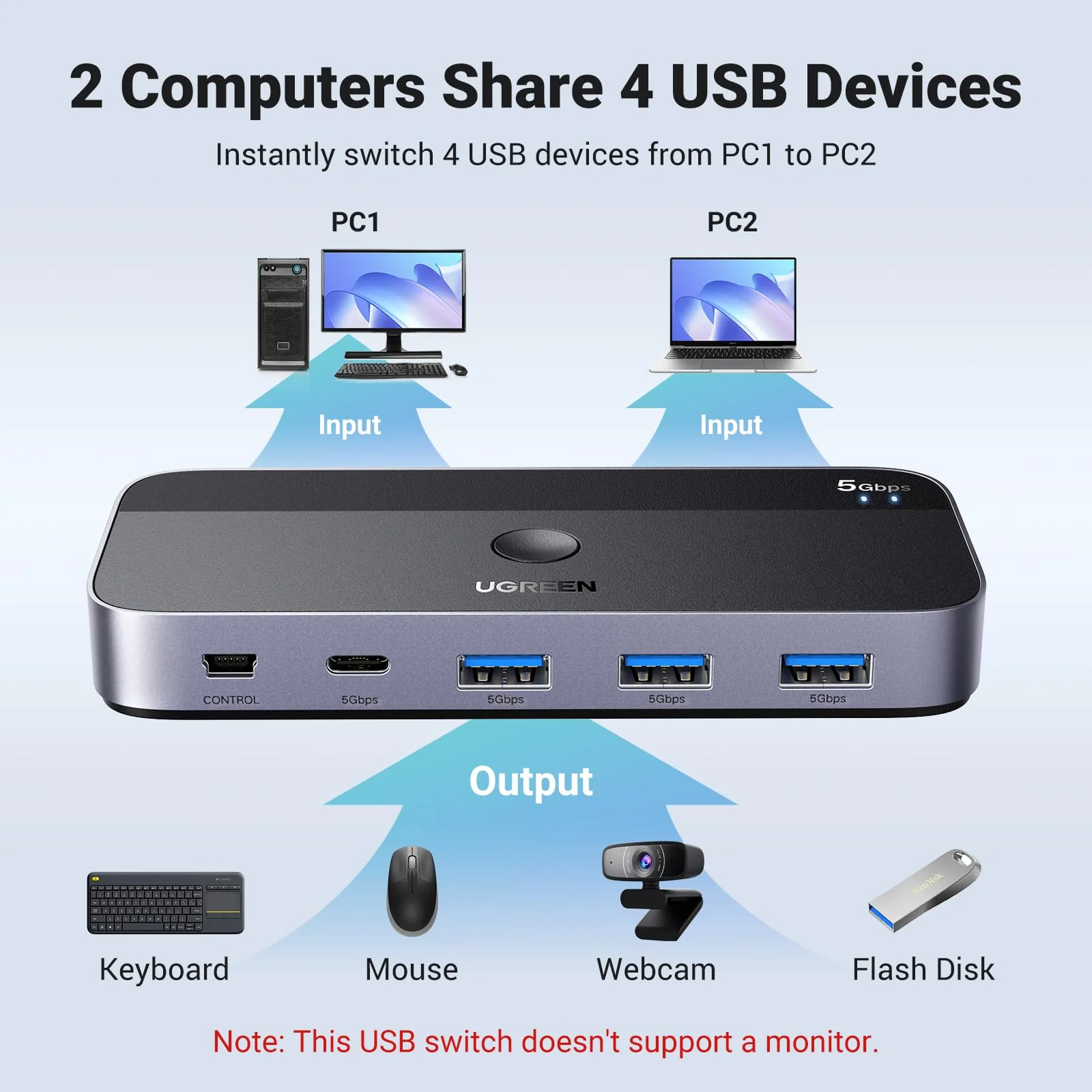
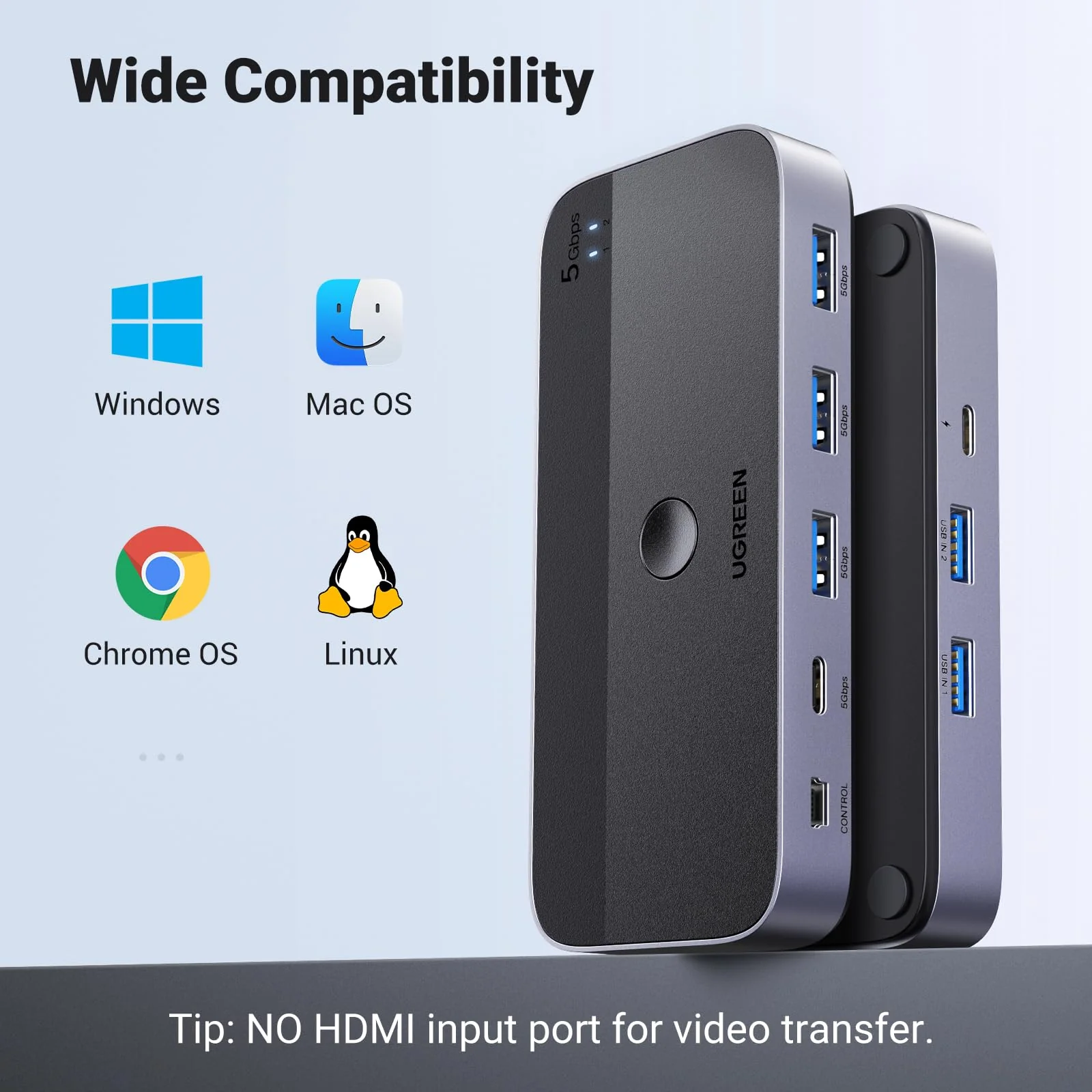
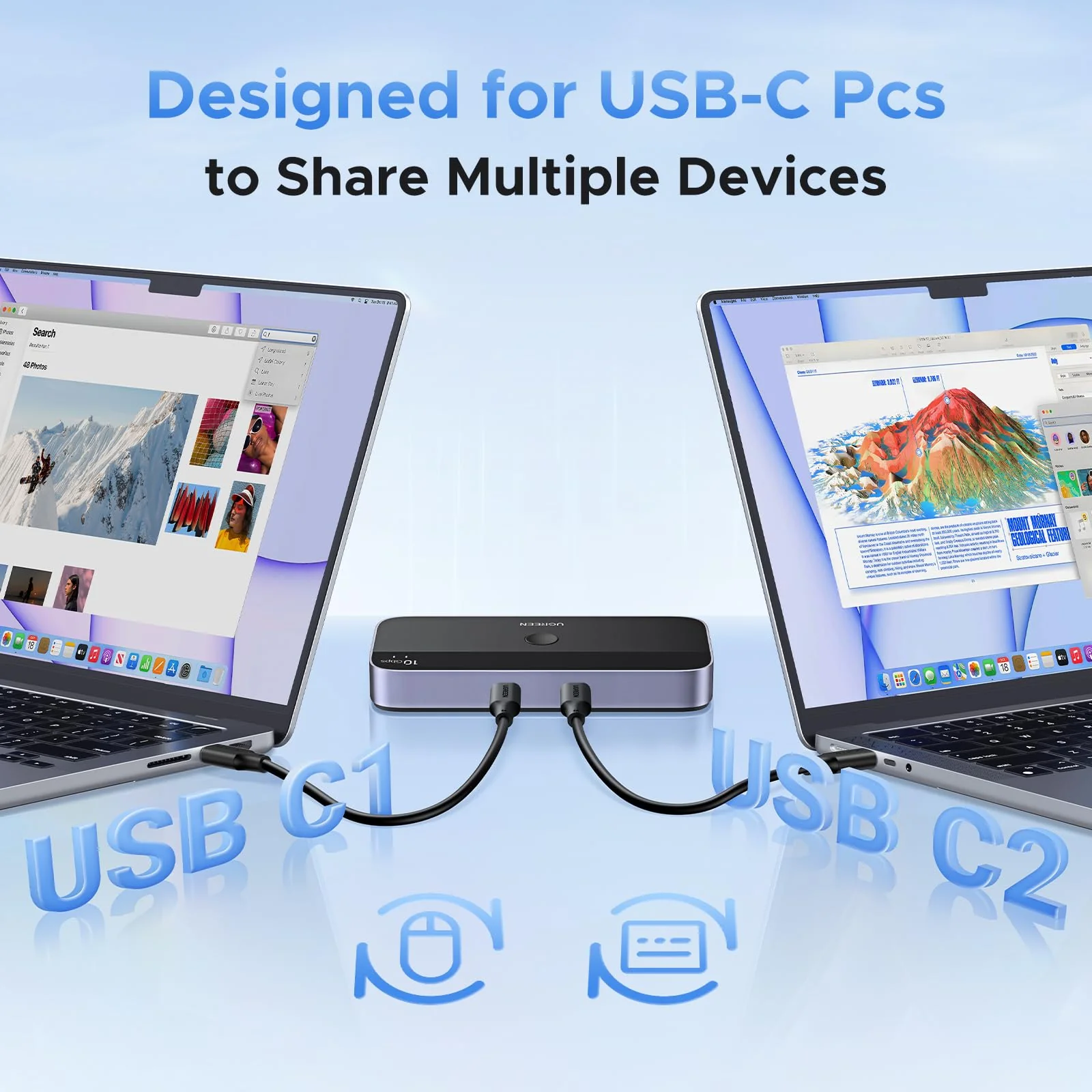
This USB switch has no HDMI port and doesn't support sharing a display between two computers.
NOT Video Transfer
Designed for data transfer only, not video transmission.
Keyboard & Mouse Disconnection
1. Due to 2.4GHz interference between wireless signals, multiple wireless devices connected to the USB switch may not function properly (industry issue).If interference occurs, switch your devices from 2.4GHz to 5GHz.
2.If the device srtill does not work properly, connect the power adapter to provide sufficient power supply.
Avoid Using a USB Hub
Not connect the switch through a USB Hub, as it may degrade signal quality.
For stable signal transmission, connect the USB cable directly to your computer’s USB port.
Power Supply Requirement
1. Standard power adapter: 5V 2A (not included). Non-standard adapters may cause the device to malfunction even when connected.
2. The power port supplies power only to USB devices, not to computers.
Recommended USB Cable
1. Use the included 1.5m USB A to A cables for best performance.
2. Using extension cables or third-party USB cables longer than 1.5m may cause signal instability.
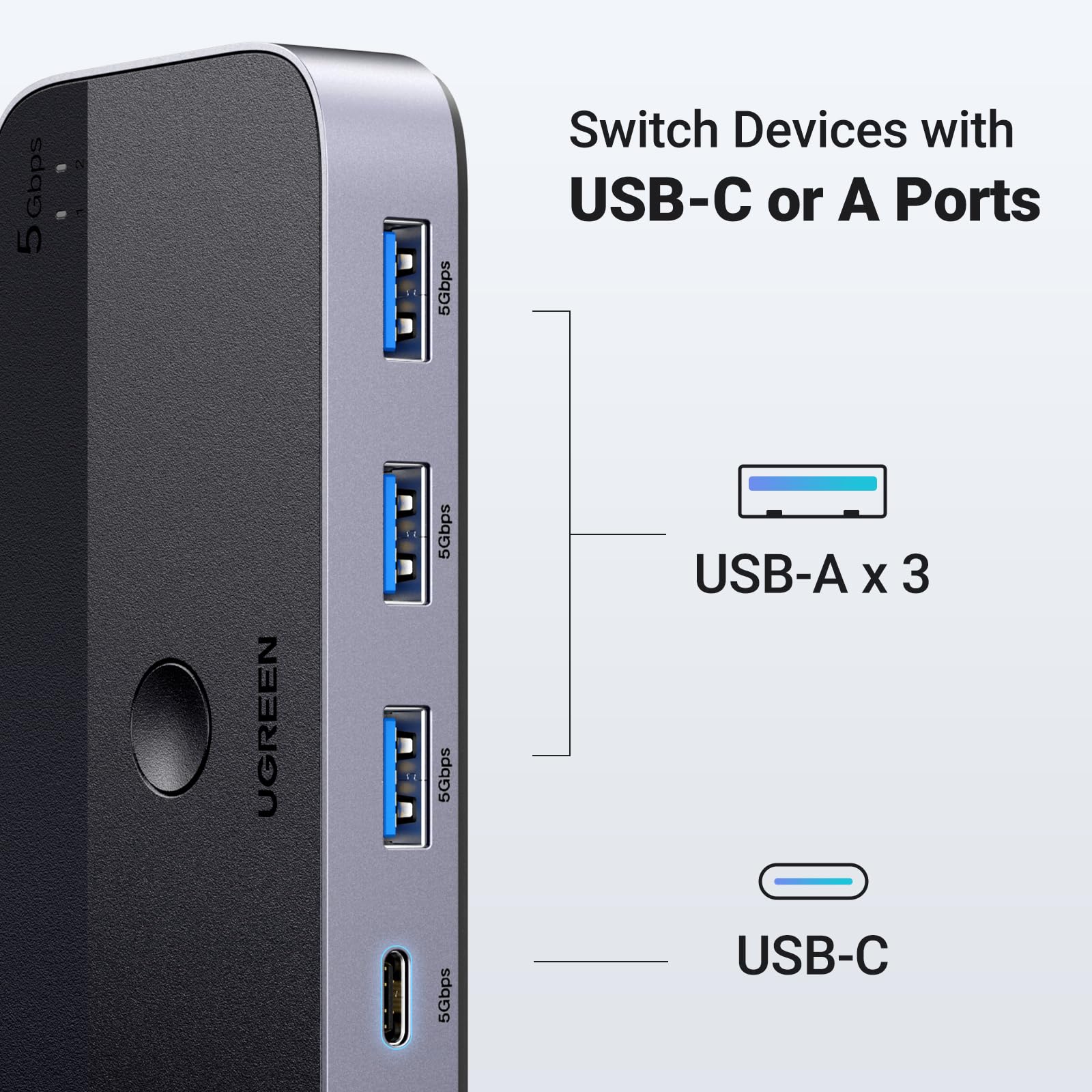
For USB-C Computer
To connect this switch to a Mac or other USB-C-only computers, use a USB-C to A adapter with a USB A to A cable. A USB-C to A cable alone won't work.
PC Sleep Mode Issue
If USB devices disconnect after waking from sleep, disable power-saving setting.
1. For Windows : Control Panel > System and Security > Power Options > Change Plan Settings > Change Advanced Power Settings > USB Settings > USB Selective Suspend > Disable.1
Device Manager > Universal Serial Bus controllers > Right-click detected hubs > Properties > Power Management > Uncheck "Allow the computer to turn off this device to save power.
2. For Mac : System Preferences > Battery > Disable "Prevent computer from sleeping when display is off" and "Enable Power Nap while plugged in."
Package Includes
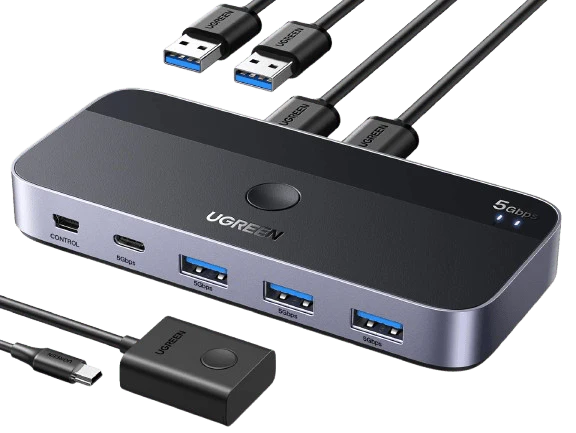
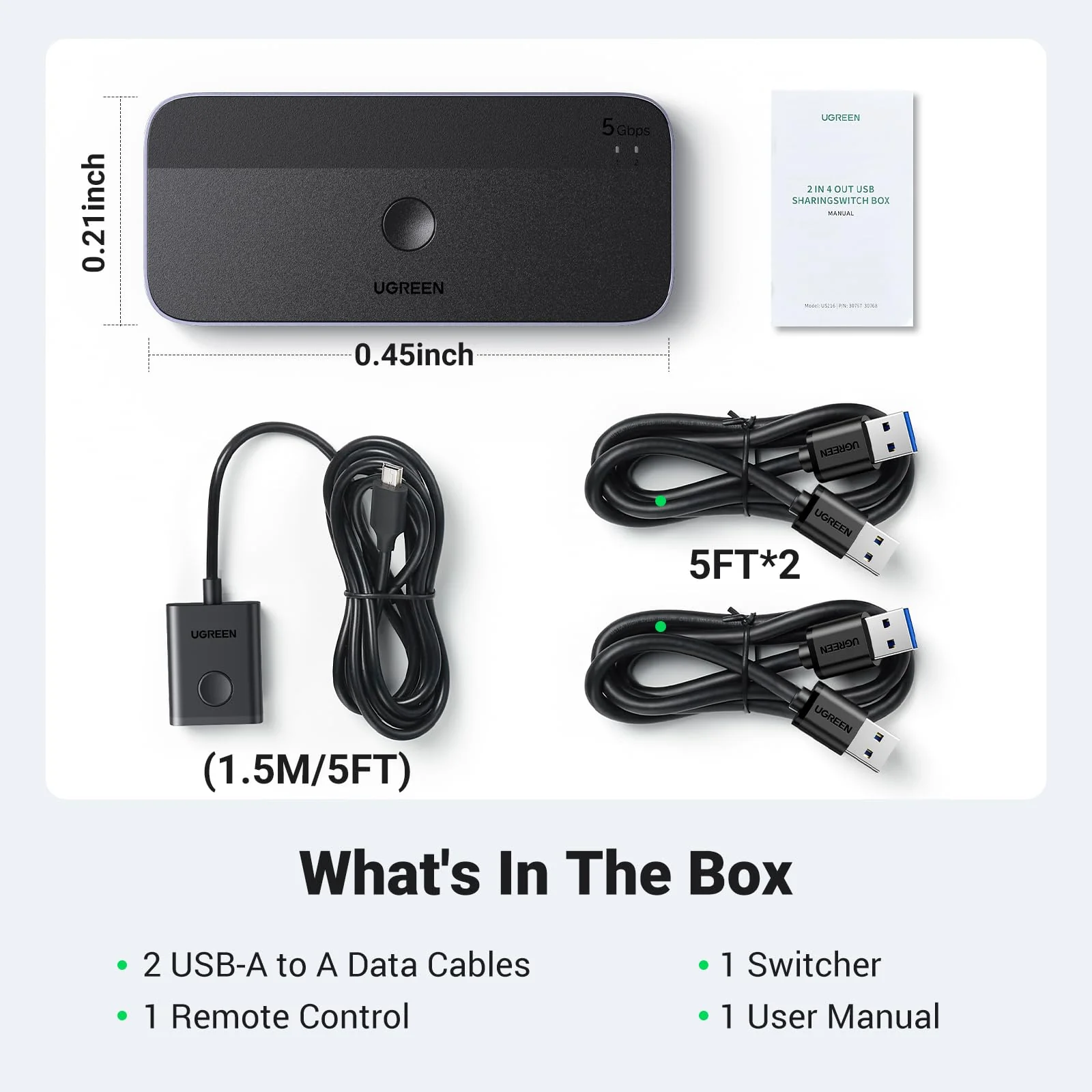
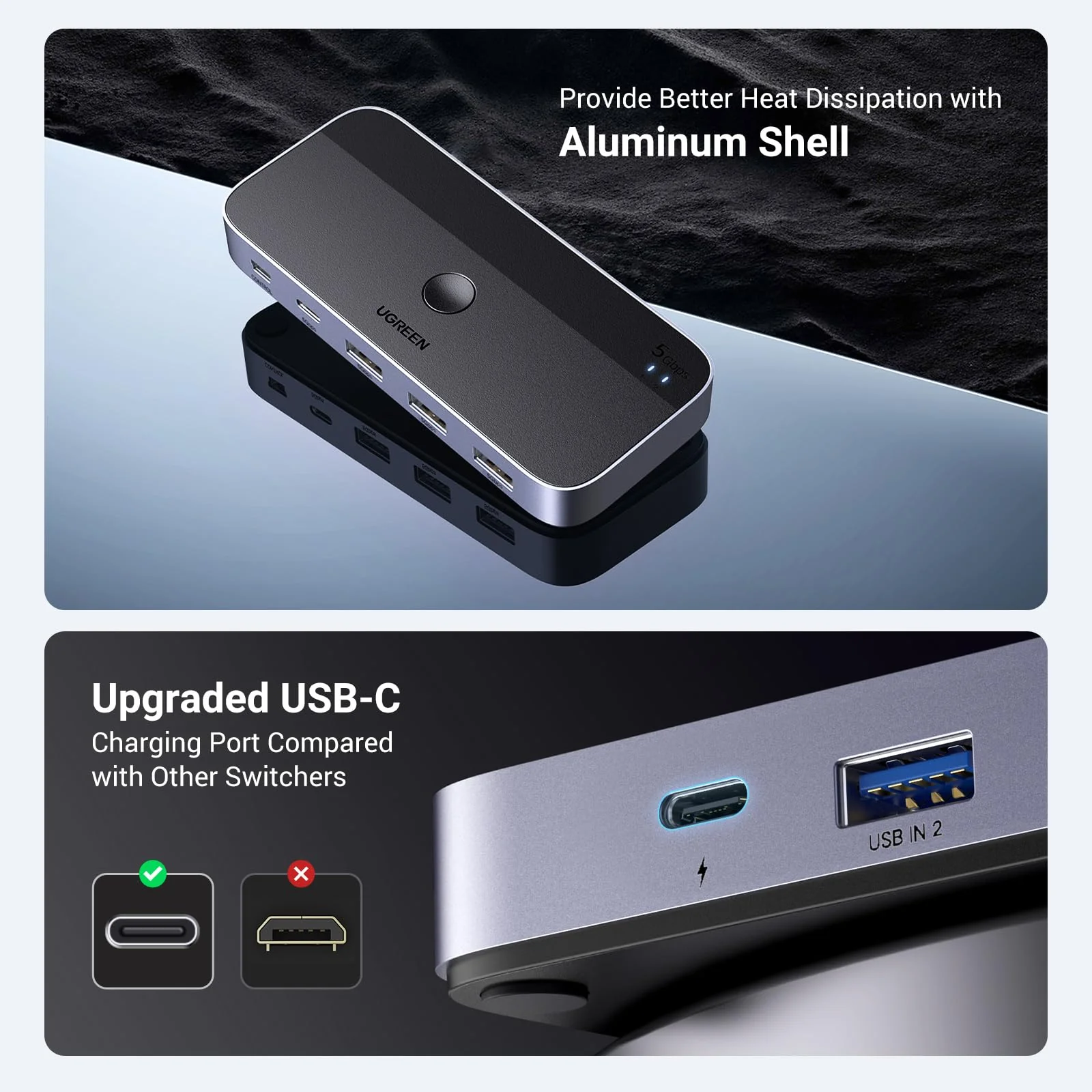
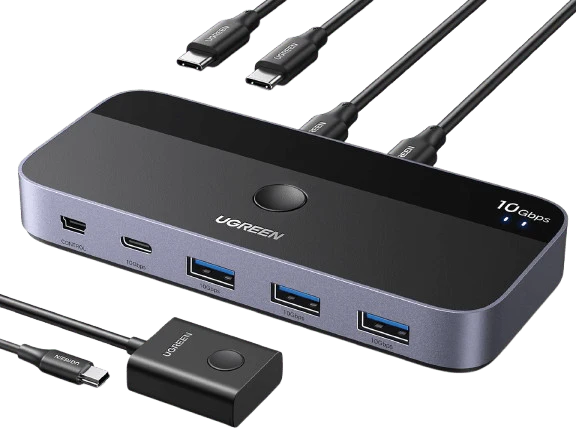
1. USB 3.0 Switch ×1 (4.8 x 2.1 x 0.7 inches) 2.USB A to A Cable ×2 (5FT/1.5M) 3.Remote Control ×1 (5FT/1.5M)
$13.80
Original: $45.99
-70%
UGREEN USB 3.0 Switch 2 Computers Sharing USB C & A Devices—
This USB switch has no HDMI port and doesn't support sharing a display between two computers.
NOT Video Transfer
Designed for data transfer only, not video transmission.
Keyboard & Mouse Disconnection
1. Due to 2.4GHz interference between wireless signals, multiple wireless devices connected to the USB switch may not function properly (industry issue).If interference occurs, switch your devices from 2.4GHz to 5GHz.
2.If the device srtill does not work properly, connect the power adapter to provide sufficient power supply.
Avoid Using a USB Hub
Not connect the switch through a USB Hub, as it may degrade signal quality.
For stable signal transmission, connect the USB cable directly to your computer’s USB port.
Power Supply Requirement
1. Standard power adapter: 5V 2A (not included). Non-standard adapters may cause the device to malfunction even when connected.
2. The power port supplies power only to USB devices, not to computers.
Recommended USB Cable
1. Use the included 1.5m USB A to A cables for best performance.
2. Using extension cables or third-party USB cables longer than 1.5m may cause signal instability.
For USB-C Computer
To connect this switch to a Mac or other USB-C-only computers, use a USB-C to A adapter with a USB A to A cable. A USB-C to A cable alone won't work.
PC Sleep Mode Issue
If USB devices disconnect after waking from sleep, disable power-saving setting.
1. For Windows : Control Panel > System and Security > Power Options > Change Plan Settings > Change Advanced Power Settings > USB Settings > USB Selective Suspend > Disable.1
Device Manager > Universal Serial Bus controllers > Right-click detected hubs > Properties > Power Management > Uncheck "Allow the computer to turn off this device to save power.
2. For Mac : System Preferences > Battery > Disable "Prevent computer from sleeping when display is off" and "Enable Power Nap while plugged in."
Package Includes
1. USB 3.0 Switch ×1 (4.8 x 2.1 x 0.7 inches) 2.USB A to A Cable ×2 (5FT/1.5M) 3.Remote Control ×1 (5FT/1.5M)
You may also like
-70%
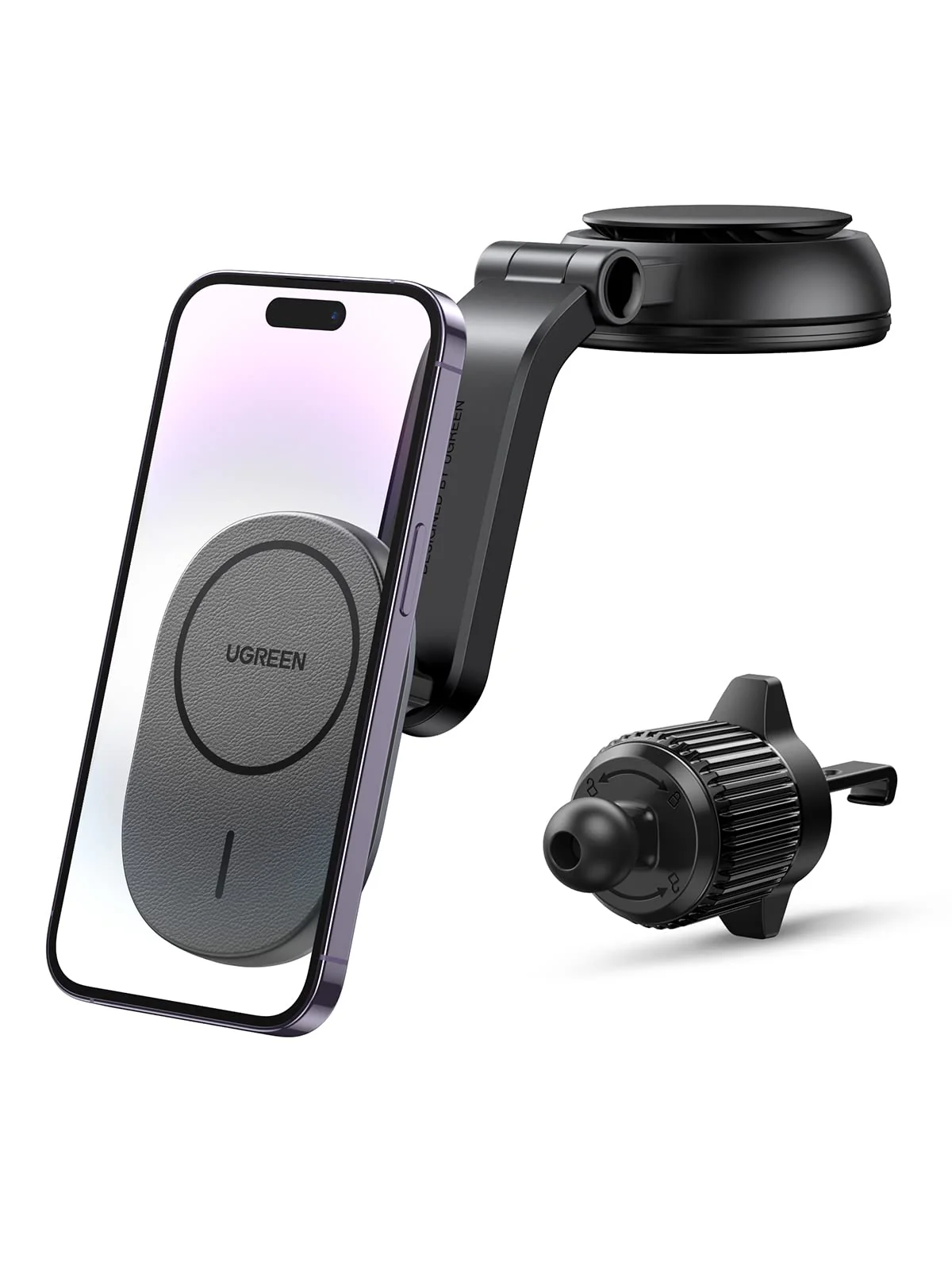
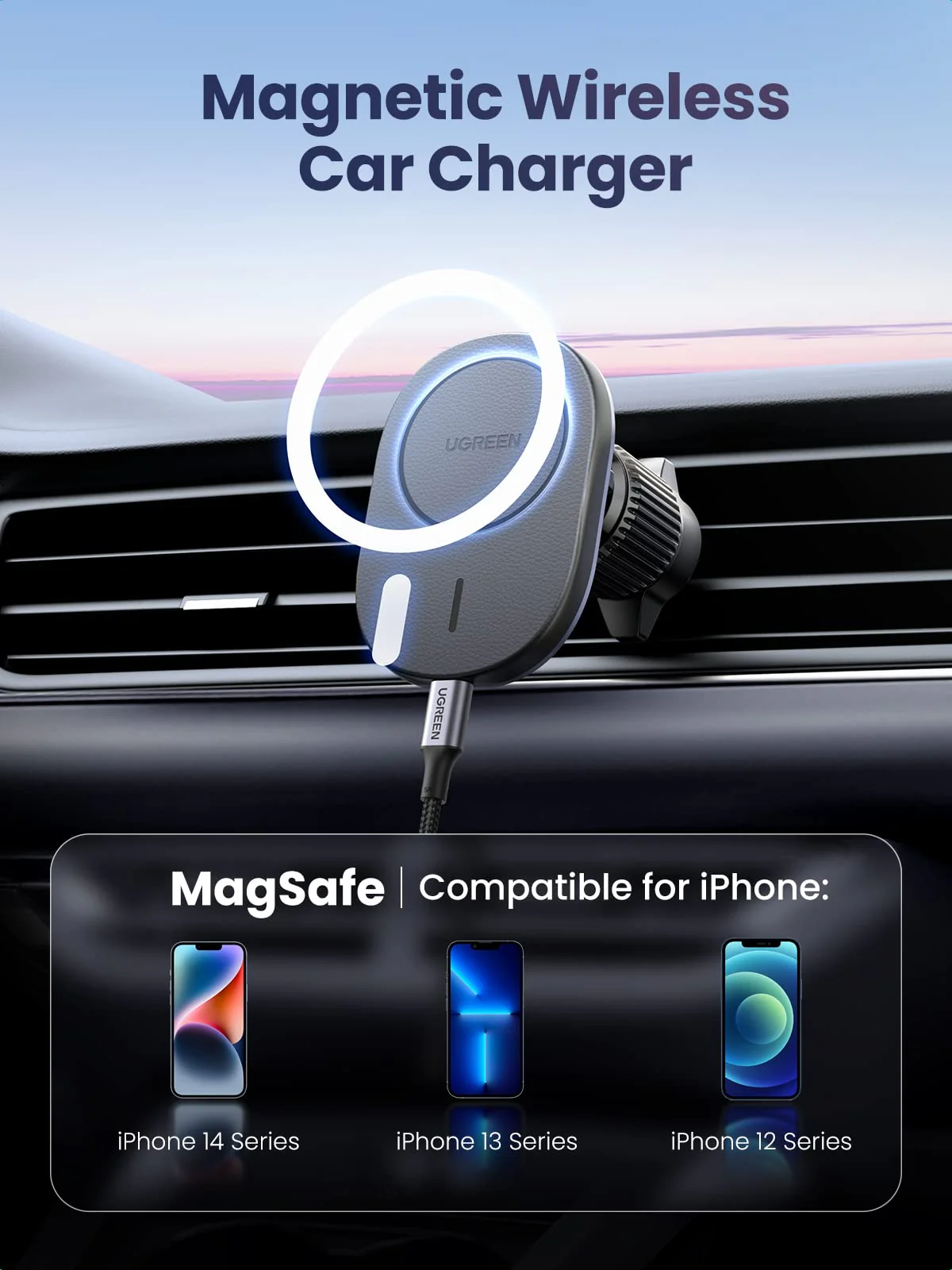
UGREEN Magnetic Wireless Car Charger Mount
$34.99
$10.50
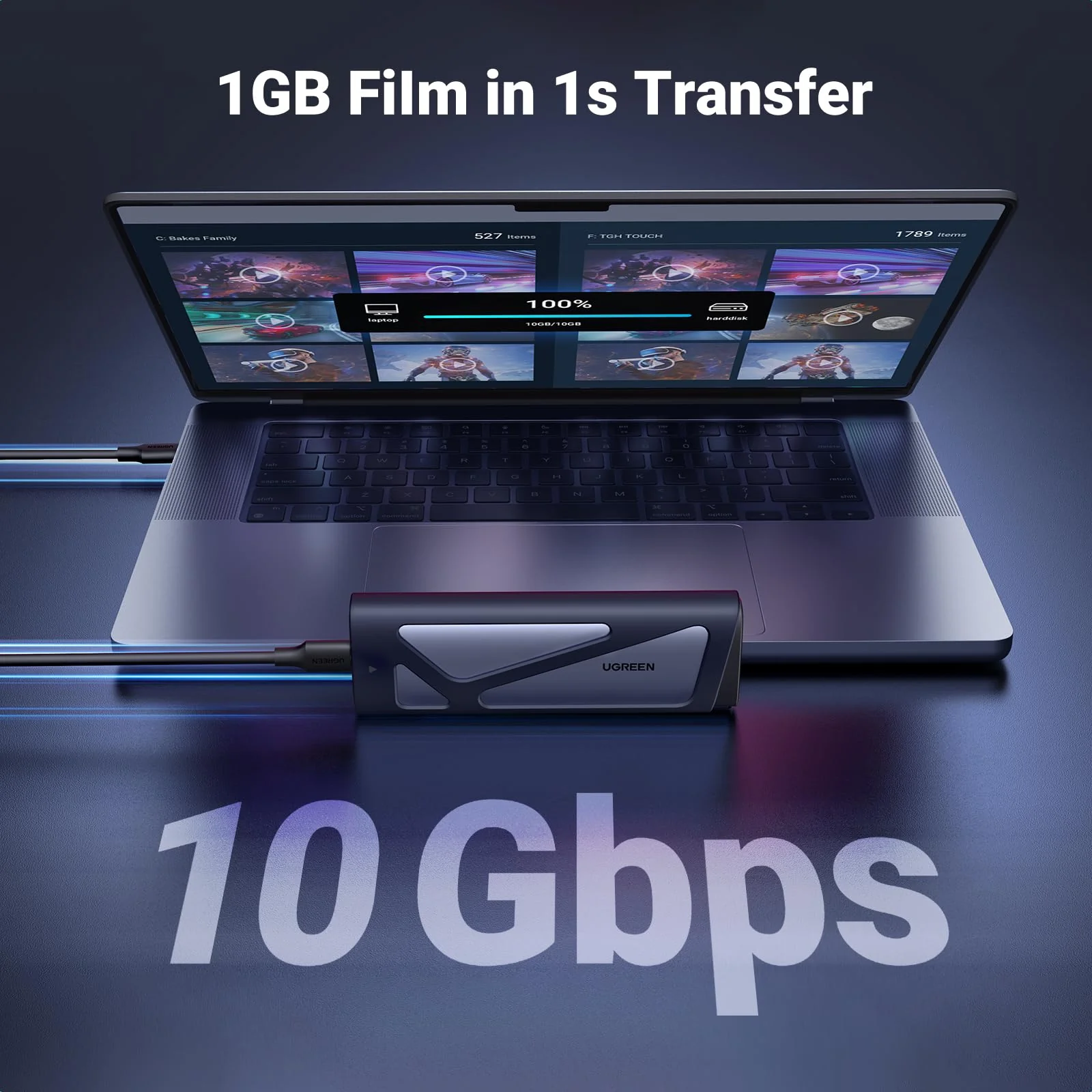
UGREEN USBC Switch - 2-Port, 4 x USB 3.2, 10Gbps Data
$69.99
UGREEN NVMe SSD Enclosure
$299.99
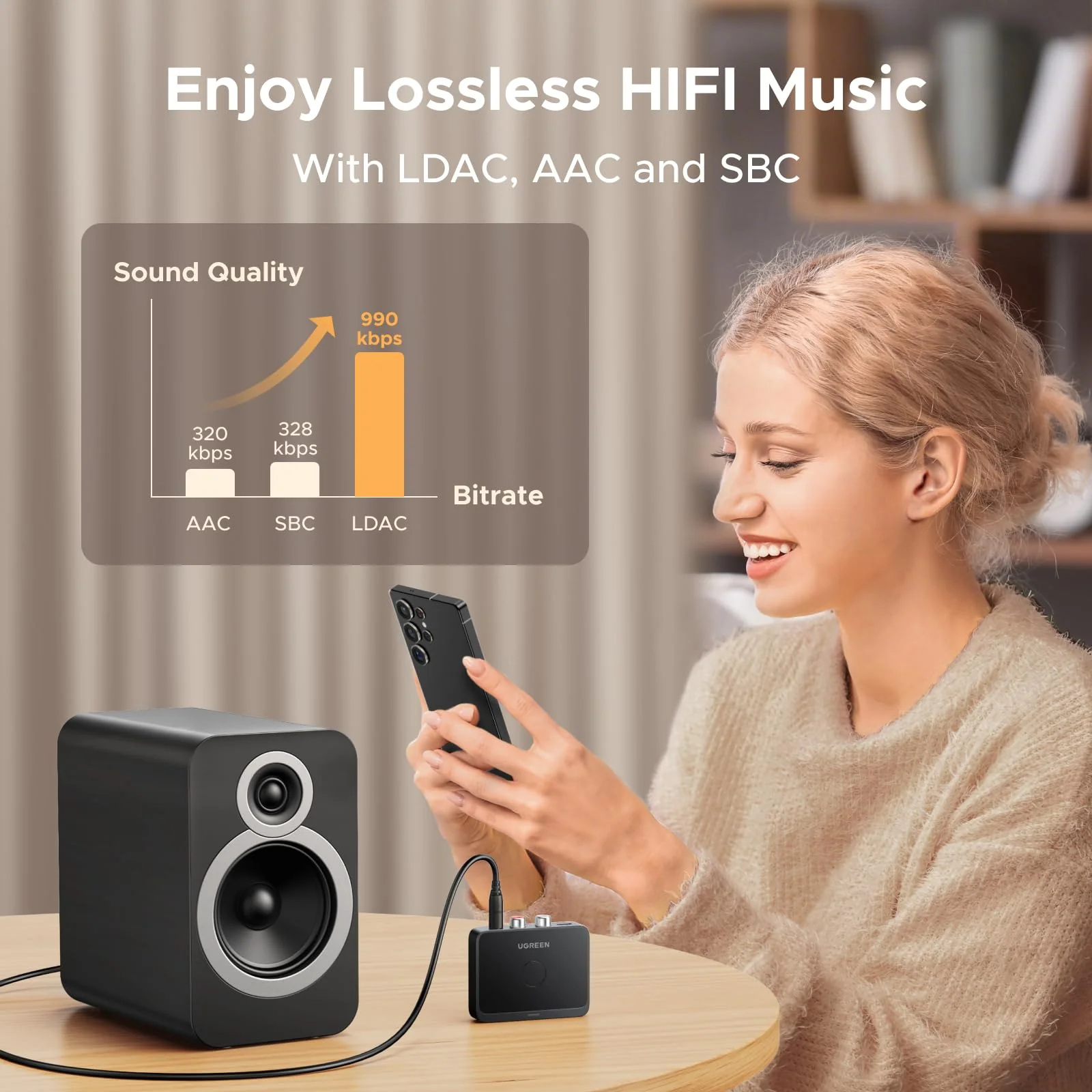
UGREEN Bluetooth 60 Audio Receiver with LDAC
$29.99
-70%
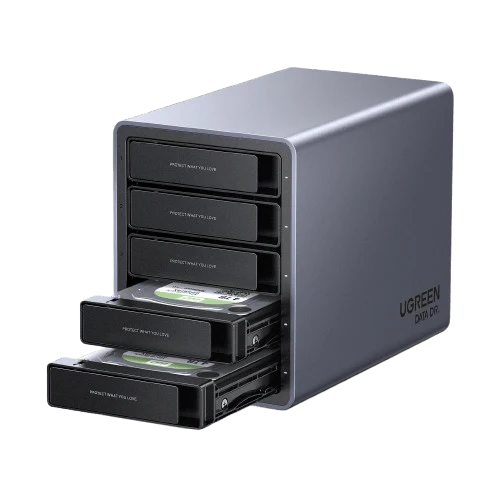
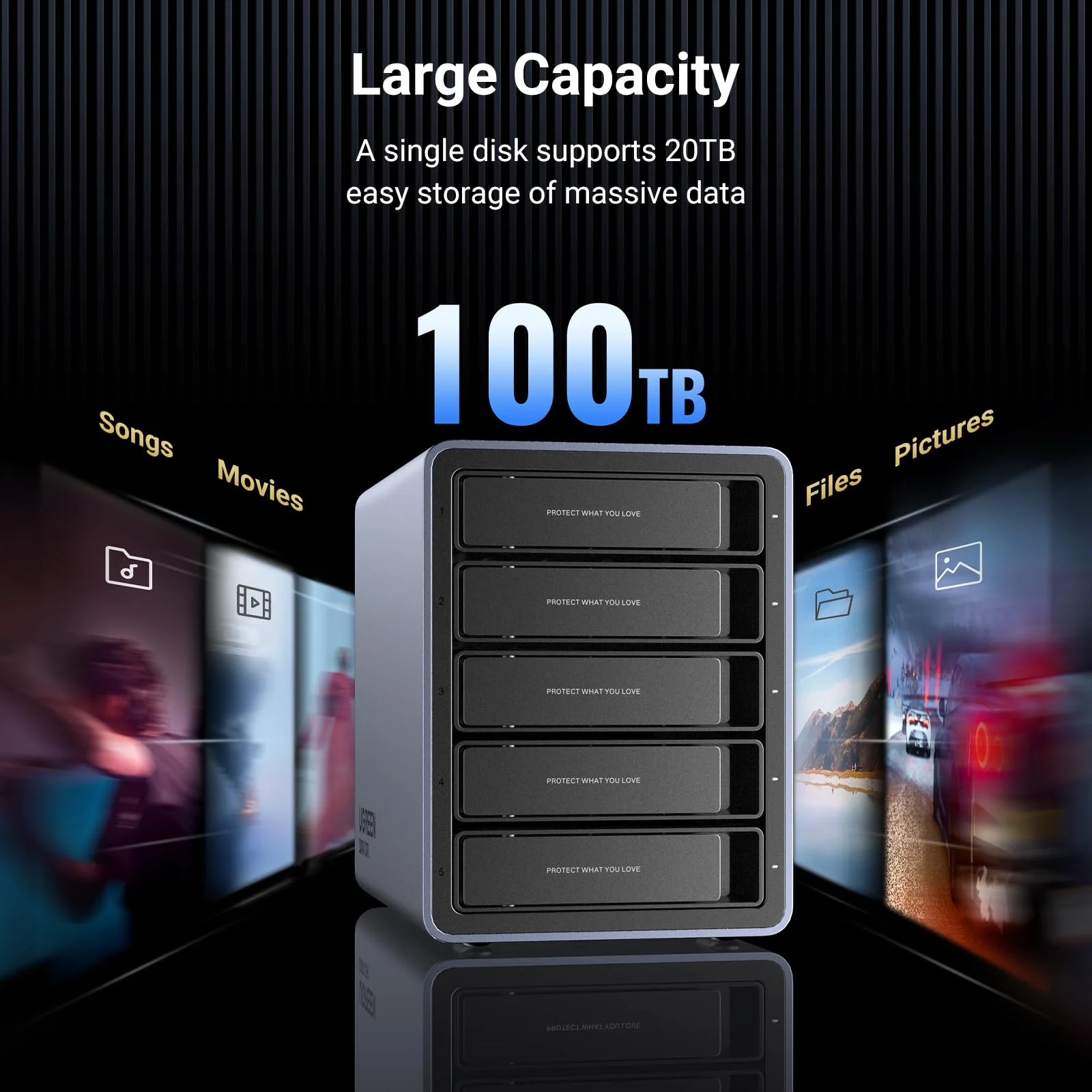
UGREEN 5 Bay USB C RAID Hard Drive Enclosure 100TB
$229.99
$69.00
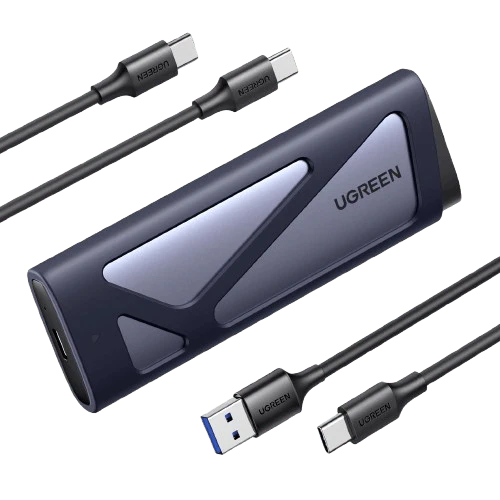
UGREEN M.2 NVMe SATA SSD Enclosure 10Gbps USB 3.2 Gen 2
$24.99
-70%
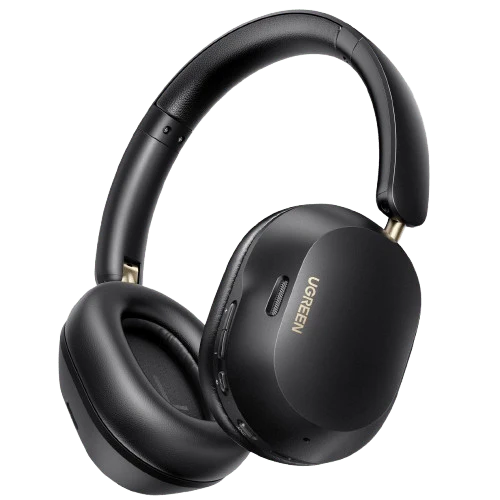
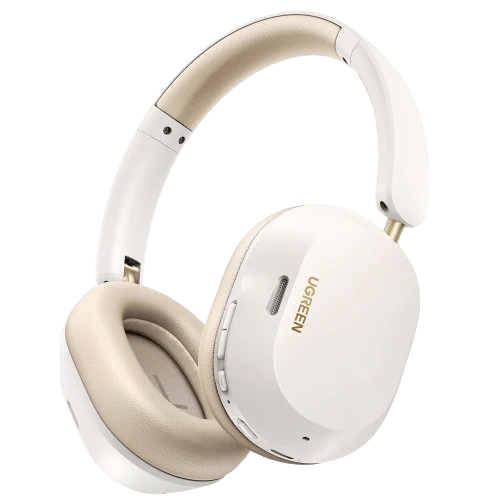
UGREEN HiTune MAX 5C Bluetooth Headphones (Over-Ear, Noise-Canceling, Hi-Res)
$45.79
$13.74
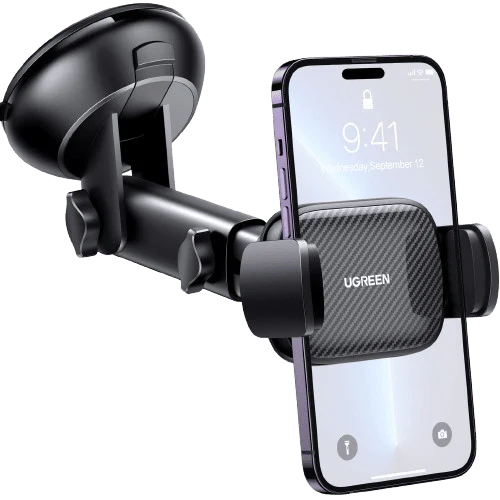
UGREEN Car Phone Holder (Telescopic Arm, 360° Rotation)
$17.49
$13.80
Original: $45.99
-70%
UGREEN USB 3.0 Switch 2 Computers Sharing USB C & A Devices—